
.jpg)
The short answer: choose Kajabi if you sell online courses or membership content, choose Wix if you're building a general business website. Kajabi starts at $149/month and is purpose-built for course creators with strong marketing automation; Wix starts at $17/month and gives you a flexible website builder with eCommerce on the higher tiers. They overlap less than the comparison suggests - most buyers actually only need one or the other based on what they sell.
This post compares Wix and Kajabi across pricing, ease of use, features, eCommerce, SEO, customer support, and migration considerations - plus an "If you are X, choose Y" decision matrix to skip straight to the answer for your situation.
Decision Matrix: Wix or Kajabi for Your Use Case
Skip the feature overview - match your situation to the right answer:
- I'm building a general business website (services, restaurant, agency, brochure): Wix. Kajabi is overkill and 8x the price.
- I want to sell online courses or coaching programs: Kajabi. Wix Bookings handles 1:1 coaching but isn't built for course delivery.
- I run a membership site with paid content: Kajabi. Better paywall, drip content, and member management.
- I sell physical products through an online store: Wix. Kajabi's eCommerce is limited to digital products.
- I do both - courses AND a regular business website: Kajabi for the course portion + Wix for the public site. Trying to force one platform to do both usually compromises both.
- I'm a coach selling 1:1 services: Wix with Wix Bookings. Cheaper than Kajabi unless you also sell group programs.
- I run an email list as my main asset: Kajabi. Built-in email marketing automation rivals dedicated tools.
- I'm just starting out and budget is tight: Wix. $17/month vs $149/month is a 9x difference.
Wix Vs. Kajabi: Comparative Overview
Wix and Kajabi serve different purposes. Wix is a general-purpose website builder; Kajabi is a vertical SaaS built around selling and delivering online courses, memberships, and digital products.
This overview highlights the key features and benefits of each.
|
Price |
Ease of Use |
Design and Customization |
Features and Functionality |
Customer Support |
|
|
Wix |
From $17/month |
|
|
|
|
|
Kajabi |
From $149/month ($119/month billed annually - Save 20%) |
|
|
|
|
Wix Vs. Kajabi: Pros and Cons
Each platform has clear strengths and limitations:
|
Wix |
Kajabi |
|
|
Pros |
|
|
|
Cons |
|
|
Pricing and Value: Wix or Kajabi
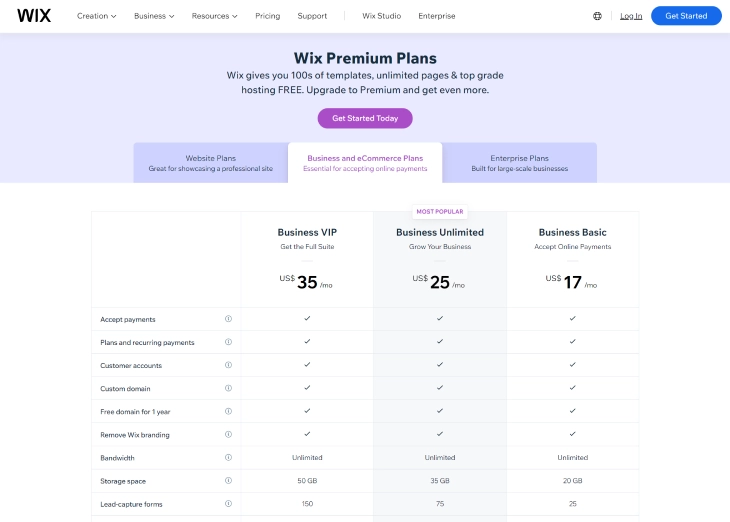
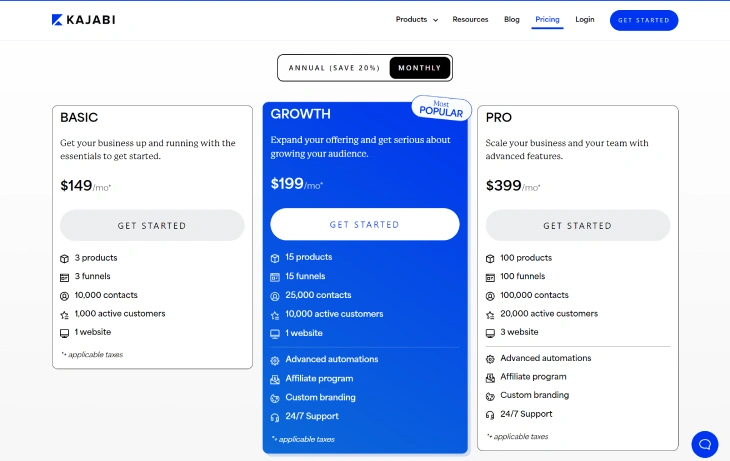
The price gap is the single biggest factor in the decision. Wix runs $17–$159/month; Kajabi runs $149–$399/month. That's roughly an 8x cost difference at the entry level - Kajabi only makes sense if you're earning enough from courses to justify it.
Pricing Plans Overview
Wix's current plan structure (2026): Light ($17/month), Core ($29/month), Business ($36/month), and Business Elite ($159/month). The eCommerce features kick in at the Core plan. Kajabi's plans (2026): Basic ($149/month or $119/month annually), Growth ($199/month or $159/month annually), and Pro ($399/month or $319/month annually).
|
Entry |
Mid |
Top |
|
|
Wix |
$17/month (Light) |
$36/month (Business) |
$159/month (Business Elite) |
|
Kajabi |
$149/month (Basic) |
$199/month (Growth) |
$399/month (Pro) |
Wix's Light plan at $17/month is enough for most brochure-style business sites with custom domain. Kajabi's Basic plan at $149/month includes 3 products, 3 funnels, and unlimited landing pages - designed to support a single course business launching.
Hidden Costs to Budget For
- Wix: Premium app subscriptions (some can add $5–$30/month each), email marketing (Ascend by Wix is a paid add-on), domain renewal in year 2+ ($14–$20/year), payment processing (2.9% + $0.30 per transaction).
- Kajabi: Email send limits per plan (overages cost extra), payment processing (2.9% + $0.30 via Stripe/PayPal), additional admin users on higher plans, SMS marketing add-on.
Value of Money
Wix delivers strong value for general-purpose websites starting at $17/month with lots of design tools and templates included.
Kajabi is more specialized and expensive, targeting course creators with tools designed specifically for online education and digital marketing. The higher cost reflects its niche depth in course creation, sales funnels, and email automation - features critical for monetizing educational content.
Features and Functionality: Wix or Kajabi
Each platform delivers a distinct toolset matched to different business shapes.
Key Features
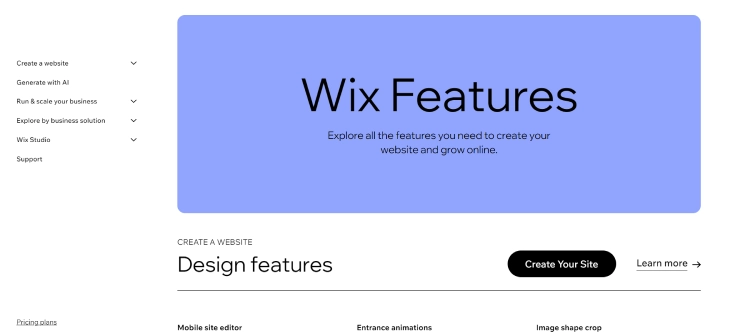
Wix shines with its drag-and-drop website builder, letting you create visually appealing sites without coding. The Wix App Market integrates additional functionality for various business needs.
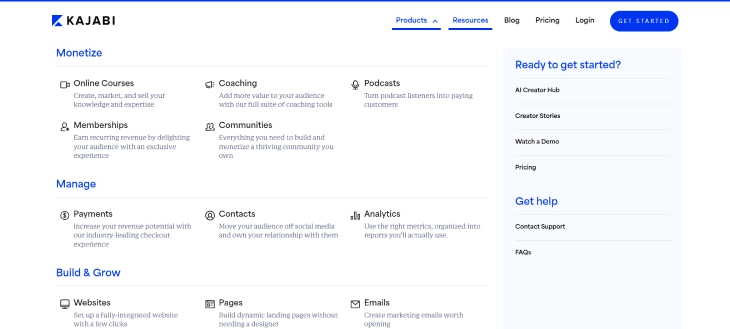
Kajabi is purpose-built for online course creators and digital marketers. It provides course delivery tools, built-in payment processing, and marketing features like email automation and landing pages - the toolkit a course business actually needs.
eCommerce
Wix is versatile for eCommerce - physical goods, digital products, and services. Wix Stores covers inventory, payments, shipping, and tax for small to mid-sized merchants.

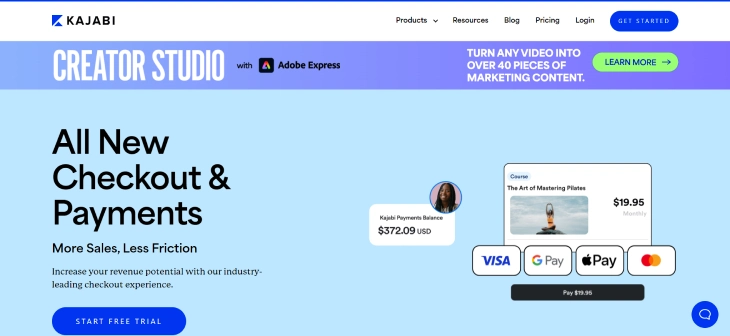
Kajabi handles digital products and courses, with content delivery, student engagement, and payment processing built in. Not designed for physical product sales - if you're shipping things, Kajabi isn't the right tool.
For larger physical-product stores, Shopify often beats both - it's purpose-built for eCommerce at scale.
Online Course Delivery
This is where the platforms diverge most sharply. Kajabi includes drip content scheduling, quiz creation, certificates, student progress tracking, course communities, and tiered pricing - the actual job of running a course business. Wix can host video content and sell access via Wix Stores or Wix Members, but the experience is patched together rather than purpose-built. If courses are your main revenue, Kajabi's depth here pays for itself. For more general guidance on building a course site, see our roundup of the best Wix courses online.
SEO
Wix offers strong SEO tools built for non-experts: meta tag editing, alt text on images, SEO patterns to automate site-wide tasks, guided SEO setup, and Google Search Console integration.
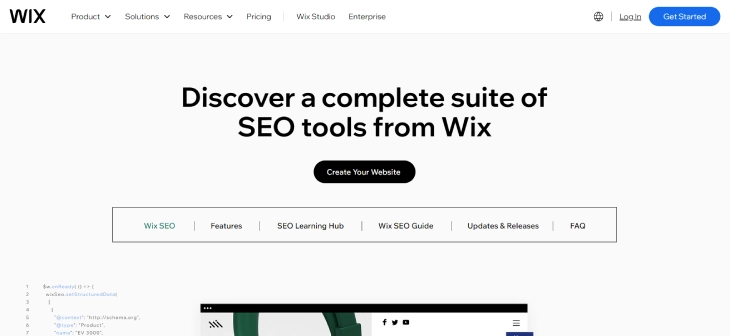
Kajabi includes basic SEO (meta titles, descriptions) but is built around content delivery, not search optimization. For a course business this is fine - most course sales come from email, ads, and referrals, not organic search. For a content-driven website where SEO is your main acquisition channel, Wix wins.
If SEO is your primary acquisition channel, WordPress still leads both platforms with its plugin ecosystem.
Third-Party Integrations
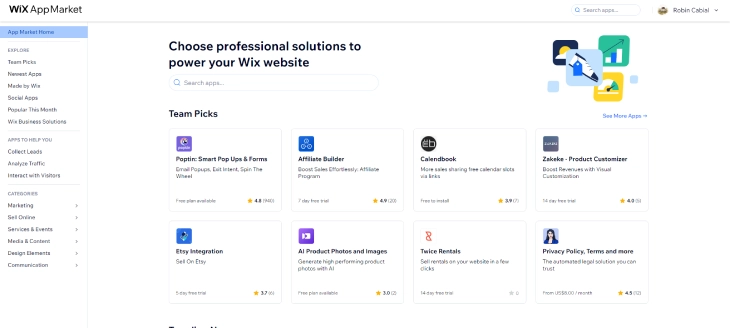
Wix has the larger app market - hundreds of third-party apps covering eCommerce, social media, marketing, and analytics integrations.
Kajabi's integrations are fewer but tightly aligned with its user base - email marketing, analytics, and CRM tools relevant to course sellers. Direct integrations with ConvertKit, Mailchimp, ActiveCampaign, and Zapier cover most workflows.
Customer Support: Wix or Kajabi
Both platforms invest in support; the experience differs by audience.
Support Channels
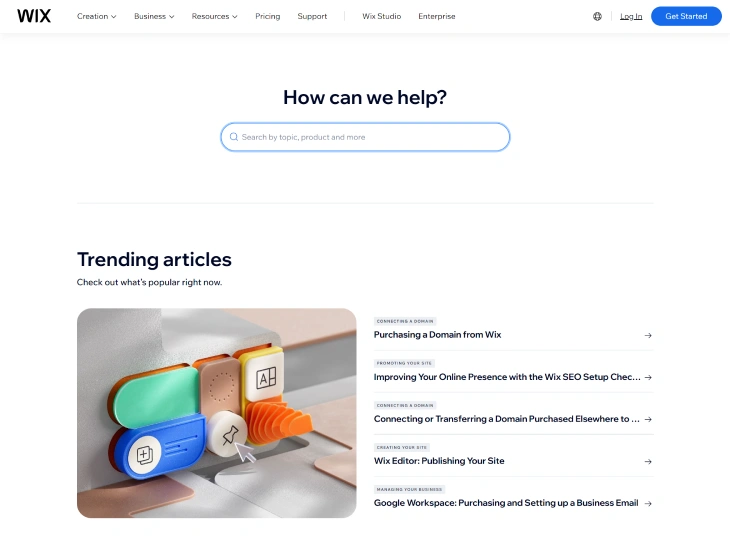
Wix provides a Help Center, multilingual phone and email support, video tutorials, and community forums.
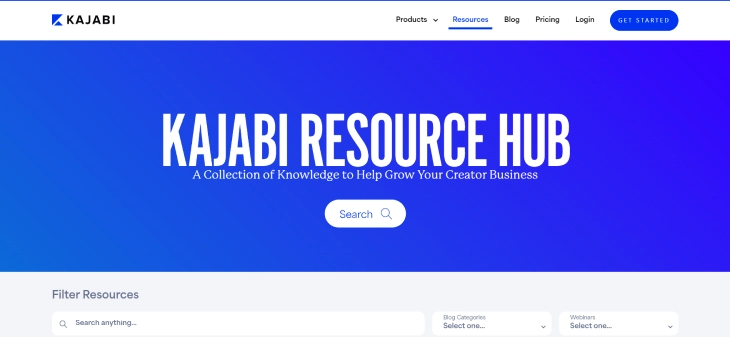
Kajabi tailors support for digital entrepreneurs: email support, 24/7 live chat, a detailed knowledge base, and Kajabi University with educational content for course business operators.
Support Quality
Wix is praised for wide-ranging, beginner-friendly support resources, with multilingual phone and responsive email service. Kajabi is praised for fast 24/7 live chat and platform-specific knowledge from agents who actually understand course businesses. Both platforms get high marks; the right choice depends on which audience matches you.
Free Trial and Refund Policies
- Wix: Free plan available indefinitely (with Wix branding). Paid plans include a 14-day money-back guarantee on annual subscriptions.
- Kajabi: 14-day free trial without payment up front. 30-day money-back guarantee on most paid plans, which is unusually generous for SaaS.
Kajabi's longer trial + refund window reflects the larger purchase commitment - it's giving you time to actually launch a course before you're locked in.
Migration Considerations
If you're already on one platform and considering switching:
- Wix → Kajabi: Manual content migration. Wix doesn't export to Kajabi's format. Plan 10–20 hours to rebuild course content, plus rerouting your domain and old URLs to avoid losing SEO.
- Kajabi → Wix: Even more manual - Kajabi's course delivery features don't have direct Wix equivalents. You'd typically downgrade course functionality.
- Run both in parallel: A common solution is keeping your business website on Wix and your course portal on Kajabi, connected by a subdomain (courses.yourbusiness.com pointing at Kajabi).
Conclusion: Which Is Better, Wix or Kajabi?
The right answer is rarely "one platform for everything." Choose Wix if you're building a general business website, brochure site, restaurant page, online store for physical goods, or service business. Choose Kajabi if your main revenue comes from selling online courses, coaching programs, or membership content. The 8x price difference between Wix's $17/month entry and Kajabi's $149/month entry isn't arbitrary - Kajabi includes course delivery, drip content, marketing automation, and email tools that Wix doesn't natively cover, but you only get value from those if courses are your business model.
If you do both, the cleanest solution is running both: Wix for your public-facing site (cheaper, better SEO, more design flexibility) and Kajabi for the gated course experience (purpose-built course tools, stronger member management). Forcing one platform to do both jobs usually compromises both.
Other platforms worth a look: Shopify for serious physical-product eCommerce, Webflow for design-led custom sites, and WordPress for SEO-driven content sites with the widest plugin ecosystem.
* read the rest of the post and open up an offer