

When people ask "why is Wix popular," the answer goes far beyond marketing. Wix has grown to over 250 million registered users worldwide, making it one of the most widely used content management systems (CMS) on the planet. A Content Management System is the software that powers your website, letting you create, edit, and manage content like text, images, and videos without touching a line of code. Popular CMS options include WordPress, Joomla, and Drupal, but Wix has carved out a massive share of the market by doing something none of them do as well: making website creation genuinely easy for everyone.
So what fuels Wix's popularity? This guide breaks down the real reasons why Wix has become a favorite CMS. Key reasons include its beginner-friendly interface and extensive feature set to its flexible pricing and thriving user community. Whether you're considering Wix for the first time or trying to decide if it's the right platform for your needs, you'll find everything you need here to make an informed decision.
What Makes Wix a Popular CMS?
Wix has emerged as one of the most widely used content management systems in recent years, attracting users ranging from solo bloggers and small business owners to larger enterprises. Its appeal cuts across experience levels. Beginners can launch a site in minutes, while more advanced users can use Wix's code injection tools and API capabilities for complex builds. Several core factors explain why Wix popularity continues to grow year over year.
Here are the key reasons behind Wix's popularity as a CMS:
Ease of Use
Ease of use is the single biggest reason people choose Wix as their CMS. Unlike traditional platforms that require coding knowledge or technical configuration, Wix's drag-and-drop editor lets you place any element (text, images, buttons, forms) exactly where you want it on the page. There's no need to learn HTML, CSS, or PHP. You simply click, drag, and publish.
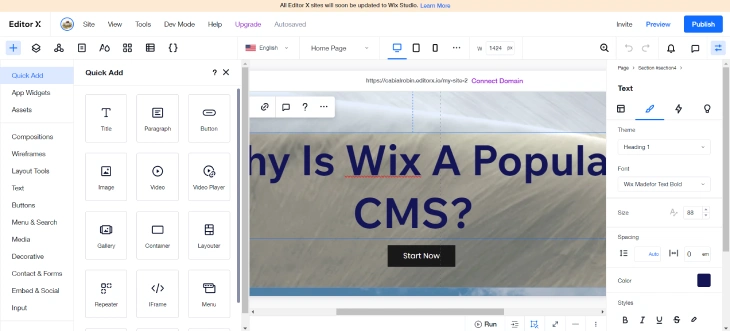
This ease of use extends to ongoing content management too. Updating pages, swapping out images, adding new blog posts, and restructuring your site's navigation are all straightforward tasks in Wix's CMS dashboard. Small business owners and freelancers who need to manage their own websites without a developer on call will find Wix particularly well suited to their needs. If you want to explore whether it's right for your situation, see our full guide on whether Wix is a good website builder.
No Hosting Worries
One reason Wix is so popular among beginners is that it eliminates the complexity of web hosting entirely. With self-hosted platforms like WordPress.org, you need to separately purchase hosting, configure a server, install software, and manage security updates. Wix handles all of this for you. Wix hosts websites directly on its own cloud infrastructure, so your site is live the moment you publish it.
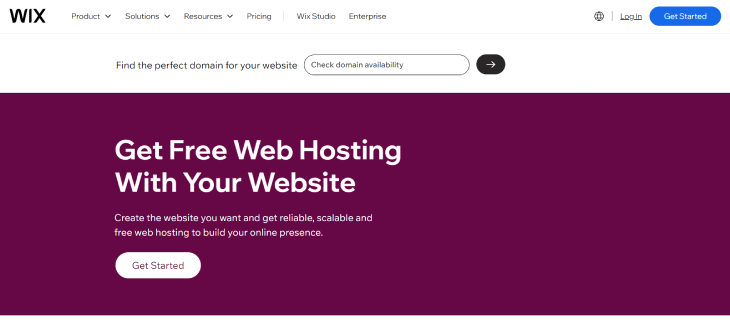
Wix's hosting is reliable, secure, and automatically scalable. It adjusts to your traffic levels without you needing to upgrade server plans manually. SSL certificates are included on all plans, and Wix handles software patches and infrastructure maintenance in the background. For users who just want to focus on their content and their business, this all-in-one approach is a significant advantage over more fragmented setups.
Extensive Features
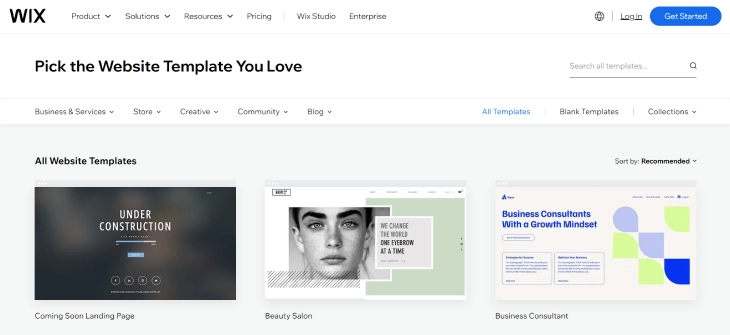
Wix offers a feature set that rivals many standalone tools. Beyond basic page building, the platform includes eCommerce (product listings, payments, inventory), appointment booking, member areas, blogging, email marketing, and a full template library with 900+ designer-made designs. Each template is fully customizable, so you're never locked into a rigid layout.
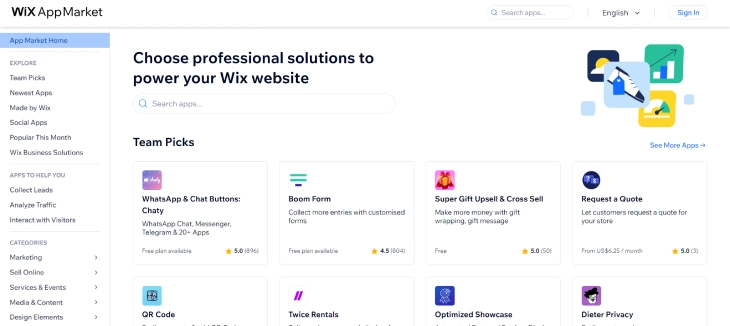
The Wix App Market adds hundreds of third-party integrations: from Shopify-style store add-ons to Google Analytics, live chat, social feeds, and CRM tools. Most apps install with a single click and configure through the same interface you use to build your site. This unified experience means you're rarely forced to leave the Wix dashboard to extend your site's functionality.
Wix also includes built-in SEO tools: meta title and description editing, structured data support, canonical URLs, and an SEO setup wizard that walks you through best practices step by step. This makes Wix a capable CMS not just for design, but for organic search performance too.
Scalability
A common misconception is that Wix is only suitable for small or simple sites. In practice, Wix scales well as your needs grow. The platform supports unlimited pages, dynamic content (Wix's CMS collections let you build database-driven pages), and custom code injection via Velo by Wix, a full JavaScript development environment built into the platform. This means developers can extend Wix far beyond what a standard drag-and-drop builder would allow.
For businesses anticipating traffic growth, Wix's cloud infrastructure scales automatically. You're not capped at a fixed server allocation the way you might be with budget shared hosting. Higher-tier plans also include priority support, advanced analytics, and larger storage allocations, giving you room to grow without switching platforms. To understand how to get the most from it, check out our guide on how to use Wix effectively.
Popularity and Growth
Wix's CMS popularity is backed by hard numbers. The platform has grown from around 50 million users to over 250 million registered users as of 2025, a five-fold increase that reflects genuine product-market fit, not just marketing spend. Wix is now consistently listed alongside WordPress as one of the two dominant website-building platforms globally.
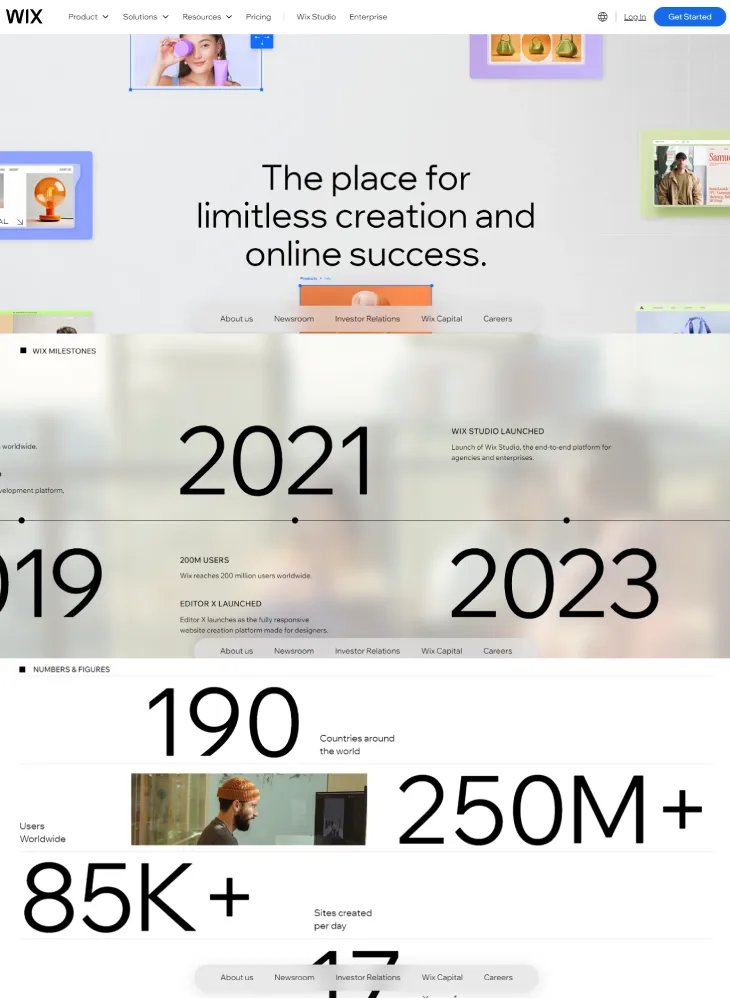
This scale matters for users because it drives ongoing investment in the platform. Wix releases new features regularly: AI-powered website generation, improved eCommerce tools, and enhanced developer capabilities have all launched in recent years. A large user base also means a rich ecosystem of tutorials, community forums, third-party integrations, and certified Wix partners who can help if you need professional assistance. Professionals who build client websites on Wix can also become a Wix Partner to earn recurring revenue share on client premium plan subscriptions.
Wix Pricing Plans (2025)
One key reason for Wix's widespread adoption is its flexible, transparent pricing. Every plan includes hosting, SSL, and access to the core website builder. Here's how the plans compare:
|
Free |
Light |
Core |
Business |
Business Elite |
|
|
Monthly Price |
$0 |
$17 |
$29 |
$36 |
$159 |
|
Key Features |
|
|
|
|
|
The Free plan is a genuine starting point. You can build and publish a real website at no cost, though it will show Wix-branded ads and run on a Wix subdomain (e.g., yourname.wixsite.com). It's ideal for experimenting with the platform before committing.
The Light plan at $17/month is the entry point for a professional presence: you get a custom domain, no ads, and basic eCommerce. Most small businesses and bloggers find either Light or Core ($29/month) covers their needs well. The Business plan ($36/month) and Business Elite ($159/month) are geared toward high-volume stores and larger operations that need advanced selling tools, priority support, and custom reporting. For a full breakdown of whether Wix's value proposition holds up, read our pros and cons of using Wix.
Wix Community and Resources
Part of what makes Wix a popular CMS choice, especially for self-starters, is the depth of learning resources and community support available. You're never building alone on Wix. Whether you're stuck on a technical issue or looking for design inspiration, the platform's ecosystem has you covered.
Wix Blog
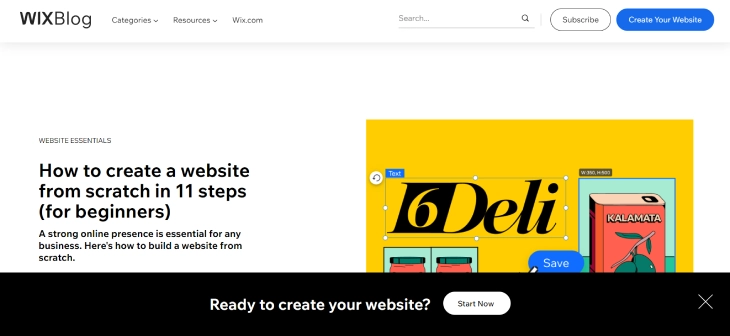
The Wix Blog covers website optimization, SEO best practices, social media marketing, eCommerce strategies, and design trends. Articles are written by Wix professionals and industry experts, making it a practical resource for anyone looking to get more out of their site. The blog also regularly features real Wix user success stories, which helps newer users understand what's achievable on the platform.
Wix Arena

Wix Arena is a showcase of professionally built Wix websites, organized by industry and style. It's a useful resource for finding design inspiration before you start building. The Arena also hosts webinars and live events led by Wix experts covering topics from website design to business growth, with on-demand recordings available if you can't attend live.
Wix Learn
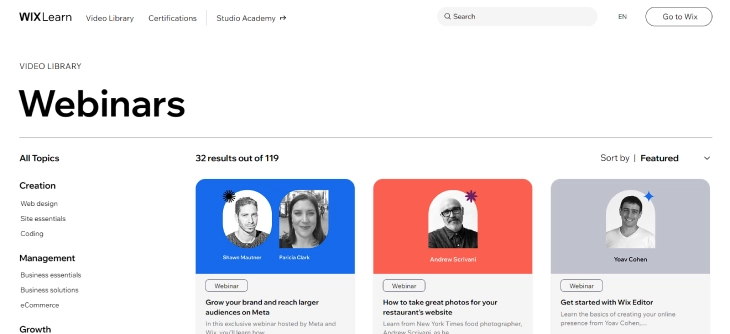
Wix Learn is the platform's structured video tutorial library, with courses ranging from beginner introductions to advanced topics like eCommerce setup, Velo development, and SEO optimization. Courses are self-paced, with a mix of video lessons, quizzes, and practical exercises. For anyone serious about learning how to use Wix to its full potential, Wix Learn is the best place to start.
Wix Help Center
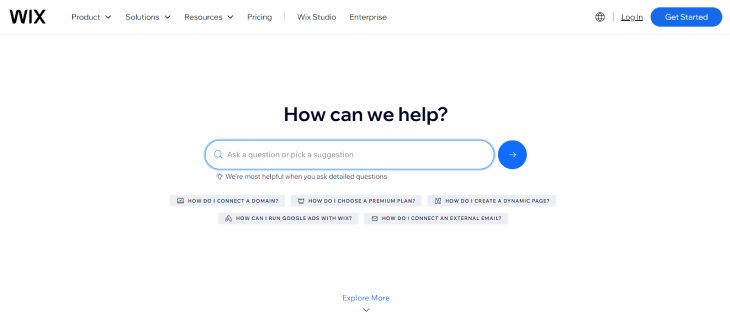
The Wix Help Center is a searchable knowledge base with thousands of articles, step-by-step guides, and troubleshooting documentation. It's organized by category: editor, eCommerce, domains, billing, etc. You can browse by topic or search directly. Most common questions have dedicated articles with screenshots and video walkthroughs, making it easy to solve problems without contacting support.
Wix Community Forum
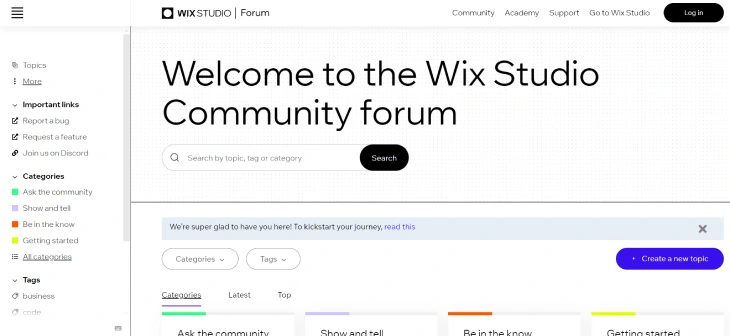
The Wix Community Forum is an active discussion space where users ask questions, share tips, post feedback, and showcase their work. Categories cover everything from design and eCommerce to Velo development and SEO. Many threads are answered by experienced users or Wix moderators, and the forum's search function often surfaces solutions to problems that aren't covered in the Help Center. It's a genuine peer community rather than a support ticket system.
Who Actually Uses Wix?
Wix's user base is more diverse than most people expect. While it's often associated with beginners, the platform serves a wide range of users across industries and experience levels.
Freelancers and Creative Professionals
Photographers, graphic designers, illustrators, and videographers use Wix to build portfolio sites that look polished without requiring a web developer. The visual editor suits visual thinkers, and templates in the creative space are genuinely well-designed.
Small Business Owners
Local businesses such as restaurants, salons, fitness studios, and retail shops make up a large portion of Wix's user base. The combination of built-in booking, online ordering, and payments in one platform removes the need to stitch together multiple tools. Small business owners can also connect Gmail to Wix to manage all client messages in one place.
Bloggers and Content Creators
Wix's blog engine is fully capable for most content publishing needs: categories, tags, post scheduling, author profiles, and RSS feeds. Creators who want a clean reading experience without managing WordPress updates often land on Wix.
Entrepreneurs Launching Fast
When someone needs a landing page or MVP website live within a day, Wix is one of the fastest paths from idea to published. AI-generated site drafts and hundreds of templates cut setup time significantly.
Educators and Nonprofits
Schools, tutors, community organizations, and nonprofits use Wix to manage event pages, accept donations, and publish news. Wix offers discounts for nonprofits and education institutions in certain regions.
What Wix Is Not Built For
Wix is a poor fit for large-scale enterprise sites requiring complex custom integrations, sites with thousands of product SKUs needing advanced inventory logic, or projects where developers want full control over the stack. WordPress or a custom-built solution fits better in those cases.
So, Why Do So Many People Choose Wix?
Wix's CMS popularity comes down to a combination of factors that few competing platforms match simultaneously: genuine ease of use, all-inclusive hosting, a deep feature set, transparent pricing, and an active support ecosystem. With over 250 million users and continuous platform investment, Wix has proven itself not just as a beginner tool, but as a legitimate CMS for businesses at various stages of growth.
If you're weighing your options, start by thinking about what you actually need from a CMS. For most small to mid-sized websites. Blogs, portfolios, service businesses, and online stores are all well covered. Wix covers the bases without requiring a developer or a complex tech stack. To help you decide, read our guide on whether Wix is a good website builder for your use case, and check out the full pros and cons of using Wix before committing.
* read the rest of the post and open up an offer