

Wix is the better pick for small stores and beginners who want a drag-and-drop builder with predictable monthly pricing. Magento, now officially called Adobe Commerce, is the better pick for mid-to-large businesses that need full control over their catalog, checkout flow, and server environment. If your store has fewer than 500 products and you want to launch quickly without hiring a developer, Wix wins. If you manage thousands of SKUs, sell across multiple countries, or need custom integrations, Magento is the stronger choice.
This comparison breaks down pricing, ecommerce features, SEO, integrations, and support so you can decide which platform fits your store in 2026. We also cover the Magento-to-Adobe-Commerce rebrand and what it means for new users.
Magento Is Now Adobe Commerce: What Changed?
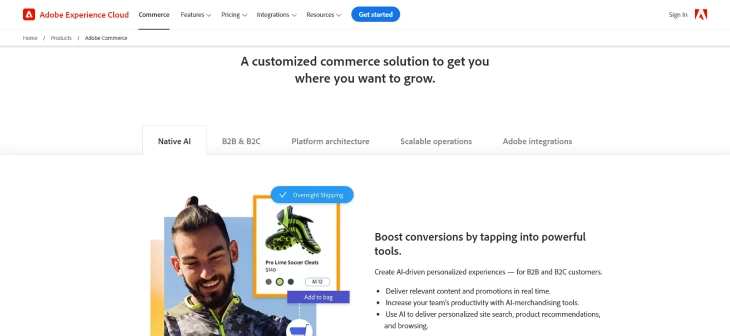
Adobe acquired Magento in 2018 and officially rebranded the paid version to Adobe Commerce in 2021. The open-source edition still goes by Magento Open Source, which anyone can download and self-host for free. The commercial cloud version, Adobe Commerce, includes managed hosting, AI-driven product recommendations, and B2B features that the open-source edition lacks.
Throughout this article, we use "Magento" and "Adobe Commerce" interchangeably since most store owners still search for the original name. Just keep in mind that if you are looking at the paid, cloud-hosted product from Adobe, its official name is Adobe Commerce.
Wix vs Magento: Quick Comparison Table
|
Price |
Ease of Use |
Design and Customization |
Features and Functionality |
Customer Support |
|
|
Wix |
From $17/mo (Light) to $159/mo (Business Elite) |
|
|
|
|
|
Magento (Adobe Commerce) |
Open Source: Free (+ hosting) Adobe Commerce: Custom quote (typically $22,000+/yr) |
|
|
|
|
Wix vs Magento: Pros and Cons
Deciding between Wix and Magento for your online business involves weighing their respective strengths and weaknesses. Wix offers user-friendly solutions ideal for small businesses, while Magento (Adobe Commerce) caters to larger operations with more complex requirements.
|
Wix |
Magento (Adobe Commerce) |
|
|
Pros |
|
|
|
Cons |
|
|
Pricing in 2026: Wix vs Magento
Price is often the deciding factor, and these two platforms sit at opposite ends of the spectrum. Wix bills monthly with everything bundled. Magento Open Source is free to install, but the real costs come from hosting, development, and extensions.
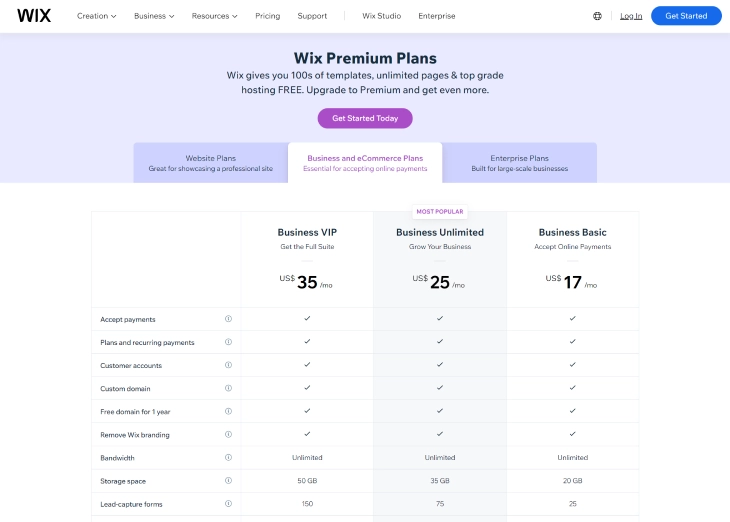
Wix Pricing Plans (2026)
Wix restructured its plans in recent years. Here is what you will pay as of 2026:
- Light -- $17/month: Basic site with limited storage, no ecommerce.
- Core -- $29/month: Custom domain, 50 GB storage, basic ecommerce features.
- Business -- $36/month: Full ecommerce, subscriptions, automated sales tax, 100 GB storage.
- Business Elite -- $159/month: Unlimited storage, advanced shipping, loyalty programs, priority support.
All Wix plans include hosting, an SSL certificate, and a free domain for the first year. For a deeper look at what each tier includes, see our full Wix pricing breakdown.
Magento / Adobe Commerce Pricing (2026)
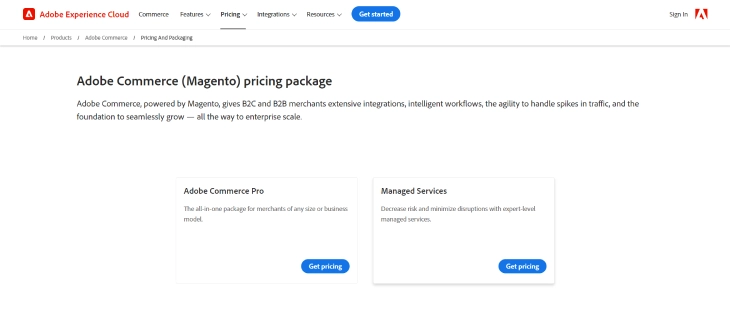
Magento's pricing depends on which version you choose:
- Magento Open Source -- Free to download. You pay separately for hosting ($30-$200+/mo for shared or cloud hosting), an SSL certificate, and any premium extensions or themes.
- Adobe Commerce Pro -- Custom-quoted, typically starting around $22,000/year for smaller merchants. Includes cloud hosting, AI features, B2B modules, and dedicated support.
- Adobe Commerce Managed Services -- Custom-quoted for enterprise clients needing white-glove infrastructure management. Pricing scales with gross merchandise value (GMV).
The total cost of running a Magento Open Source store (hosting + developer time + extensions) usually lands between $5,000 and $30,000 per year, depending on complexity. Adobe Commerce's cloud plans are aimed at businesses doing $1 million or more in annual online revenue.
Ecommerce Features: Wix vs Magento
Both platforms can run an online store, but they target very different scales of operation. Here is how they compare on the features that matter most to store owners.
Catalog Size and Product Management
Wix supports up to 50,000 products, which is more than enough for most small and mid-sized stores. Product setup is straightforward -- you fill in fields, upload images, and set prices through a visual form. Wix also handles product variants (size, color, material) with up to six options per product.
Magento was built for large catalogs. Stores with 100,000+ SKUs run comfortably on Magento with the right server setup. It supports configurable products, bundled products, grouped products, and virtual products out of the box. If your inventory is complex -- say, thousands of parts with overlapping attributes -- Magento's catalog engine handles that far better than Wix.
Payment Gateways
Wix includes its own payment processor (Wix Payments) and supports PayPal, Stripe, and about 80 other gateways depending on your country. Setup takes just a few clicks.
Magento supports virtually any payment gateway through extensions. PayPal, Stripe, Authorize.Net, Braintree, and dozens of regional processors are available. Since Magento is open-source, developers can also build custom payment integrations that match exact business requirements.
Shipping and Tax Configuration
Wix offers built-in shipping rules (flat rate, by weight, by price, free shipping) and automated sales tax calculation on its Business plan and above. For most domestic sellers, this covers everything needed.
Magento provides granular shipping rules, carrier-calculated rates (UPS, FedEx, USPS, DHL), table rates, and the ability to create custom shipping modules. Tax configuration is equally detailed, with support for tax classes, cross-border rules, and region-specific rates -- a must for stores selling internationally.
Multi-Currency and Multi-Language
Wix supports multi-currency display on its Business and Business Elite plans. Prices convert automatically based on the buyer's location. Wix also has a built-in multilingual feature that lets you translate your site into multiple languages.
Magento supports multi-currency and multi-language at the platform level, with separate store views for each language and currency. You get full control over exchange rates, regional pricing, and locale-specific content. For stores selling in 10+ countries, Magento's approach gives more precision.
Wix ecommerce works well for simple stores with straightforward product lines. Once your catalog, shipping rules, or tax requirements get complicated, Magento pulls ahead.

If you are comparing Wix's ecommerce to other hosted platforms, our Wix vs Shopify comparison and Wix vs BigCommerce comparison cover those matchups in detail.
Key Features Beyond Ecommerce
Both Wix and Magento offer more than just product listings. Here is how they compare on the broader feature set.
Wix provides an easy-to-use platform with a drag-and-drop website builder, making it simple for beginners to create a website. It also includes blogging, booking, event management, and a built-in CRM -- all accessible without touching code.
Magento (Adobe Commerce) focuses almost entirely on ecommerce. It does not include a drag-and-drop page builder or blogging tools by default, but its B2B features, customer segmentation engine, and catalog rules are far more advanced than anything Wix offers. If you need a content-rich site with a blog alongside your store, Wix makes that easier. If your priority is the store itself, Magento gives you more power.
SEO: Wix vs Magento
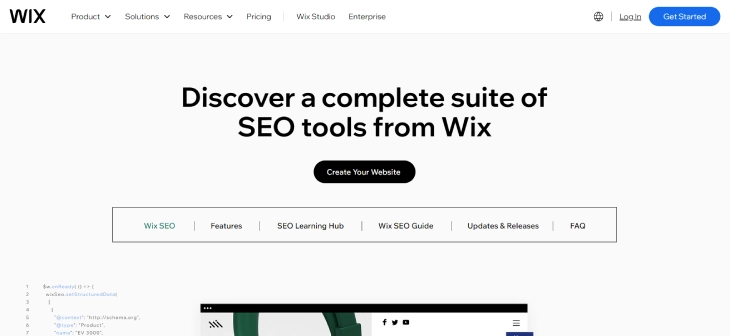
Wix includes built-in SEO tools that guide you through optimization step by step. You can edit meta titles, descriptions, alt text, and URL slugs directly in the editor. Wix also generates sitemaps automatically and handles canonical tags without manual intervention.
Magento gives you more control. You can customize URL structures at the category, product, and CMS page level. XML sitemaps are configurable, and you can set canonical URLs, hreflang tags for international stores, and rich snippet markup. For stores competing in crowded markets, Magento's SEO flexibility is a real advantage.
For those prioritizing content management and SEO, WordPress offers a wide range of plugins and themes that provide deep customization and strong SEO benefits. You might also want to read our Wix vs WooCommerce comparison if WordPress-based ecommerce is on your radar.
Third-Party Integrations
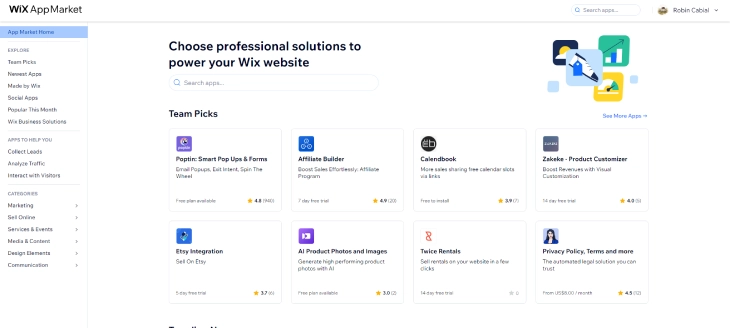
Wix provides a selection of popular integrations directly through its Wix App Market, making it easy for users to add social media tools, email marketing, and CRM systems to their sites.
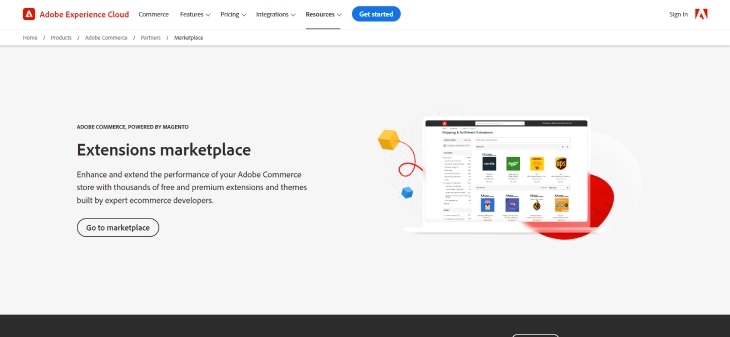
Magento's integration ecosystem is broader and more technical. The Adobe Commerce Marketplace has thousands of extensions covering analytics, ERP connectors, payment gateways, and shipping providers. Since Magento is open-source, custom integrations with any third-party API are also possible -- something Wix's closed platform cannot match.
Customer Support: Wix vs Magento
Support quality matters, especially when something breaks during a sale or a site migration.
Wix Support
Wix offers 24/7 support via chat and scheduled callbacks. The help center includes hundreds of articles and video tutorials. Higher-tier plans (Business Elite) get priority support with faster response times. For non-technical users, Wix's support is generally well-reviewed and easy to access.
Magento / Adobe Commerce Support
Adobe Commerce customers get dedicated support with defined SLAs (service level agreements), including P1 incident response within one hour. Magento Open Source users rely on community forums, Stack Exchange, and the official DevDocs. There is no official phone or chat support for the free version -- you either hire a Magento agency or troubleshoot through community resources.
When To Pick Wix
Wix is the right choice if your situation matches any of these scenarios:
- You sell fewer than 500 products and do not need complex product configurations.
- You want to launch a store in days, not months.
- Your budget is under $50/month for your entire website platform.
- You do not have a developer on your team and do not want to hire one.
- You sell primarily in one country with simple tax and shipping rules.
- You also need a blog, portfolio, or content pages alongside your store.
When To Pick Magento (Adobe Commerce)
Magento makes more sense when:
- Your catalog has thousands of products with complex attributes and variants.
- You sell internationally and need per-country pricing, tax rules, and language support.
- You have a developer or agency managing your site.
- You need custom checkout flows, B2B ordering, or ERP integrations.
- Your annual online revenue exceeds $500,000 and you need a platform that scales with it.
- You want full ownership of your code and data on your own servers.
While Magento handles enterprise-level ecommerce well, Shopify is another popular option that bridges the gap between Wix's simplicity and Magento's power. Webflow is also worth considering if design flexibility matters more than ecommerce depth.
Wix vs Magento: Choosing Based on Your Store Size
The right platform often comes down to where your business is right now, and where you expect it to go. Here is a practical breakdown based on store size and revenue:
- Under 100 products, under $10,000/month in revenue: Wix is the clear winner. You get a fast, polished store without any developer costs, and the monthly pricing is predictable. There is no need to manage servers or extensions at this scale.
- 100 to 500 products, growing revenue: Wix handles this range well. Its ecommerce features cover most needs for a growing store. Magento (Adobe Commerce) starts to become worth evaluating only if you need B2B ordering, custom pricing rules, or features that require deep customization.
- 500 or more products, multi-country, custom workflows: Magento is the right choice here, provided you have developer resources on hand. The platform's ability to handle complex catalogs, per-country tax rules, and custom checkout logic is difficult to match at this scale.
- Enterprise-level operations: Adobe Commerce Cloud is the standard choice for large brands that need guaranteed uptime SLAs, AI-driven merchandising, and fully managed hosting. The cost is significant, but so is the capability.
Think of it this way: Wix trades configurability for speed and ease, while Magento trades ease for depth and control. Match the platform to your current needs, and plan a migration path only when you have clearly outgrown what your current platform can do.
The Bottom Line: Wix or Magento?
Wix and Magento (Adobe Commerce) serve different types of online sellers. Wix gives you a fast, affordable way to set up a store without technical skills. Magento gives you an enterprise-grade ecommerce engine with full customization, at the cost of higher complexity and expense.
Pick Wix if you want simplicity and speed. Pick Magento if you need scale and control. And if neither feels like the right fit, explore our other platform comparisons to find the one that matches your goals.
* read the rest of the post and open up an offer